Note
Go to the end to download the full example code.
Adding an inset to the figure
To plot an inset figure inside another larger figure, we can use the
pygmt.Figure.inset method. After a large figure has been created, call inset
using a with statement, and new plot elements will be added to the inset figure
instead of the larger figure.
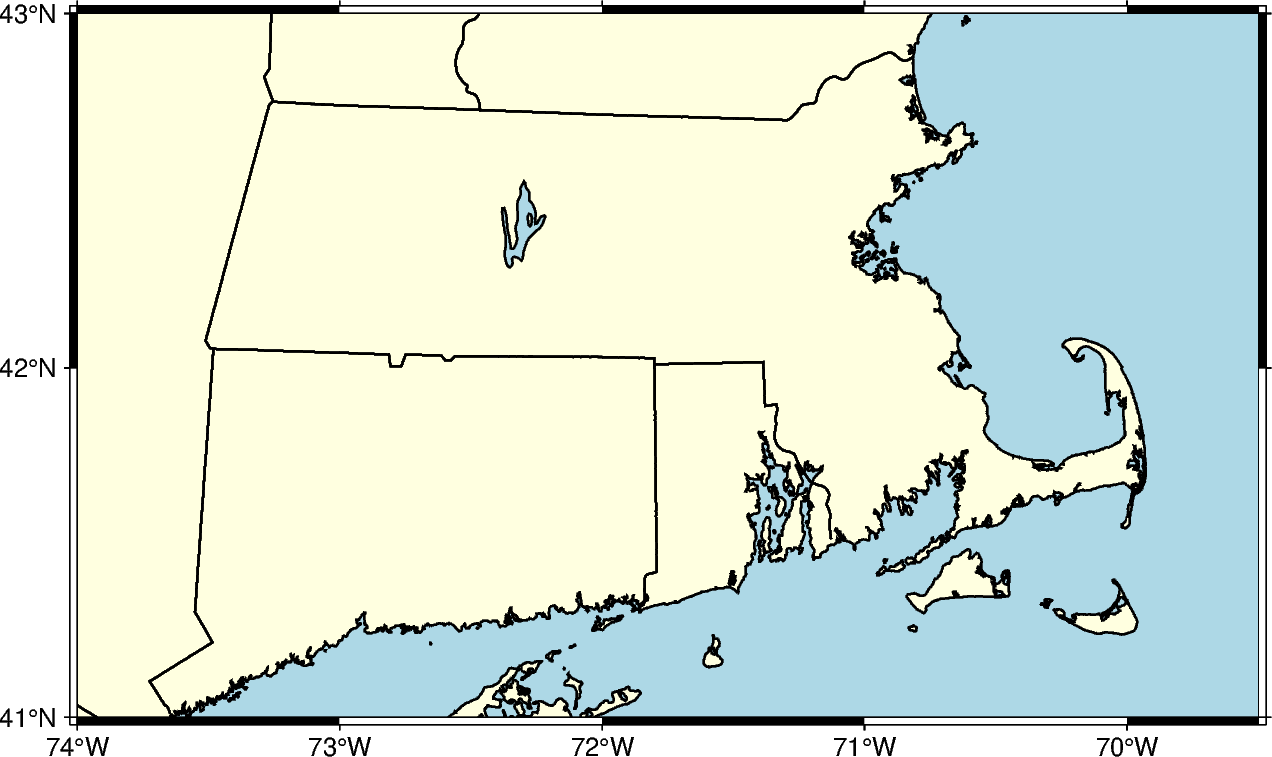
Prior to creating an inset figure, a larger figure must first be plotted. In the
example below, pygmt.Figure.coast is used to create a map of the US state of
Massachusetts.
fig = pygmt.Figure()
fig.coast(
    region=[-74, -69.5, 41, 43],  # Set bounding box of the large figure
    borders="2/thin",  # Plot state boundaries with thin lines
    shorelines="thin",  # Plot coastline with thin lines
    projection="M15c",  # Set Mercator projection and size of 15 centimeter
    land="lightyellow",  # Color land areas light yellow
    water="lightblue",  # Color water areas light blue
    frame="a",  # Set frame with annotation and major tick spacing
)
fig.show()
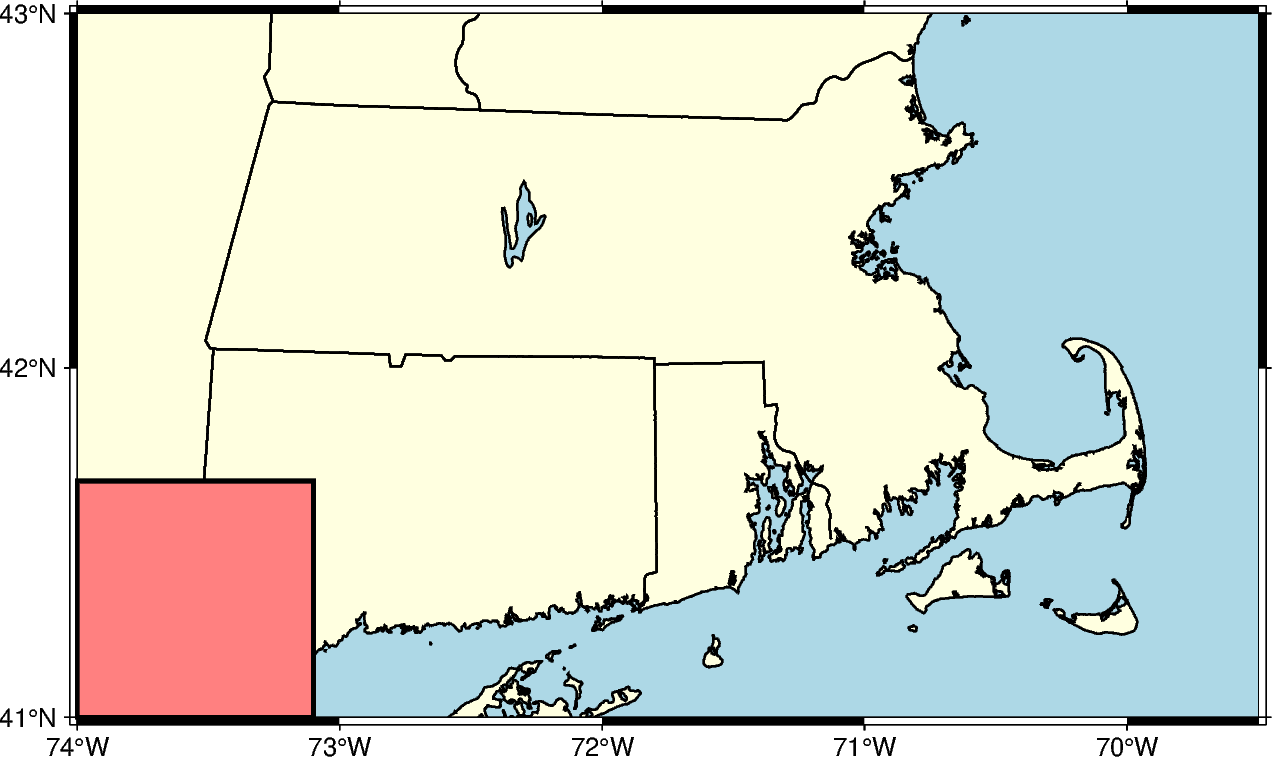
The pygmt.Figure.inset method uses a context manager, and is called using a
with statement. The position parameter, including the inset width, is required
to plot the inset. In the example below, the inset is placed at the Bottom Left
(BL) inside the plot. The box parameter can set the fill and border of the
inset.
fig = pygmt.Figure()
fig.coast(
    region=[-74, -69.5, 41, 43],
    borders="2/thin",
    shorelines="thin",
    projection="M15c",
    land="lightyellow",
    water="lightblue",
    frame="a",
)
with fig.inset(position=Position("BL"), width=3, box=Box(pen="black", fill="lightred")):
    # pass is used to exit the with statement as no plotting methods are called
    pass
fig.show()
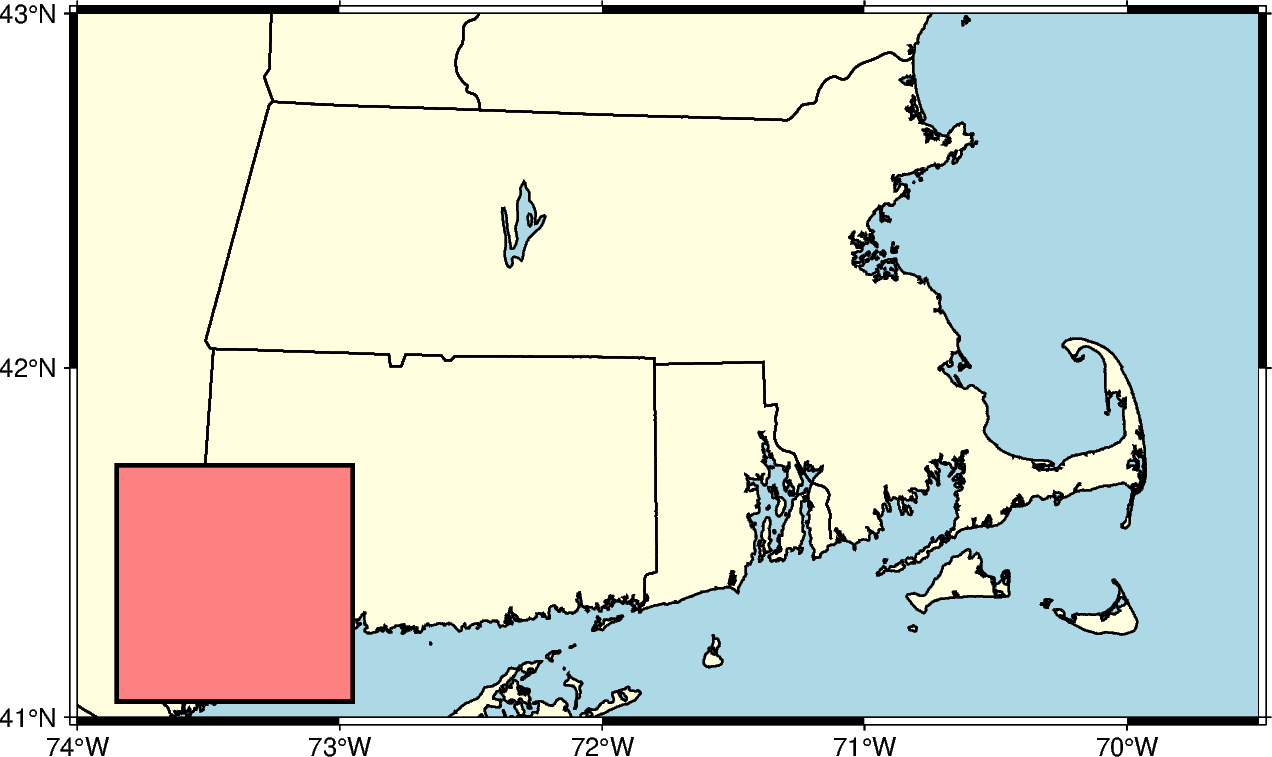
When placed at the Bottom Left corner inside the plot, the default location is in
contact with the nearby axis or axes. The offsets along the x- and y-axes can be set
with the offset parameter of the Position class. If only one offset is passed,
it is applied to both axes. Each offset can have its own unit. In the example below,
the inset is shifted 0.5 centimeters on the x-axis and 0.2 centimeters on the y-axis.
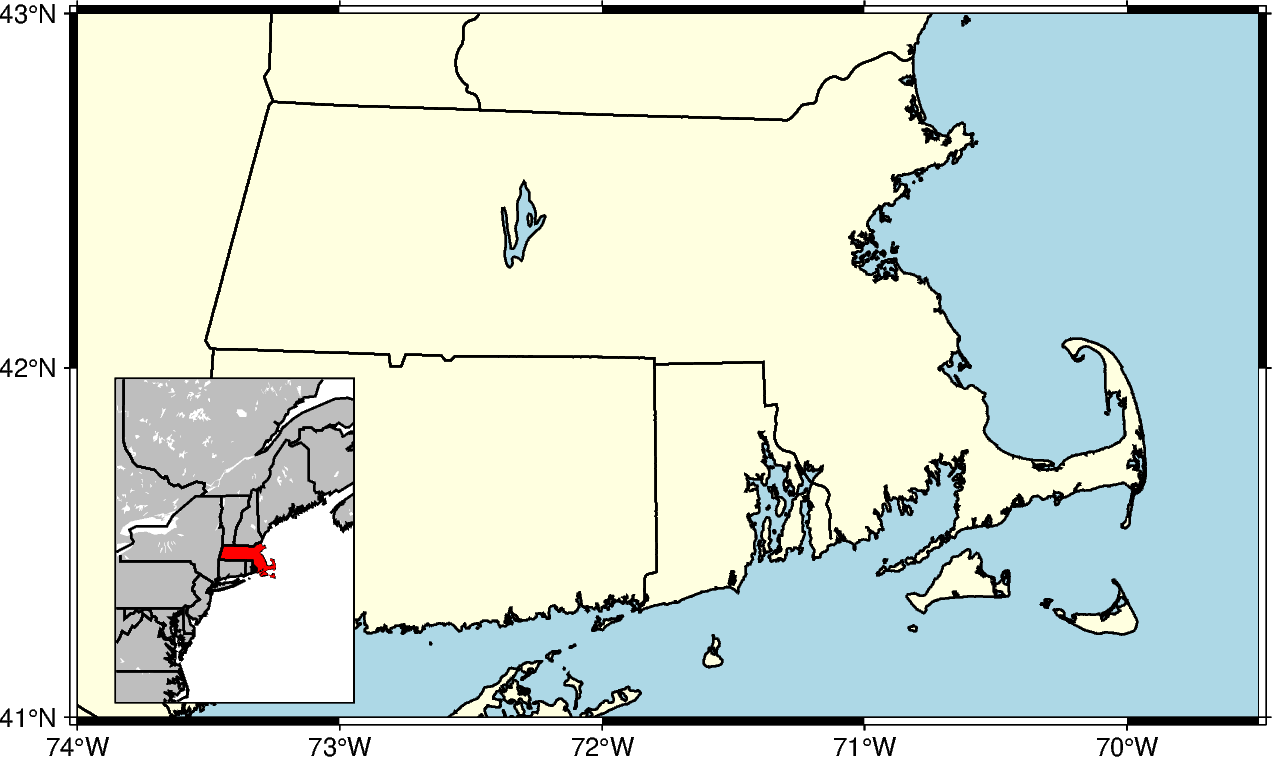
Standard plotting methods can be called from within the inset context manager. The
example below uses pygmt.Figure.coast to plot a zoomed out map that
selectively paints the state of Massachusetts to show its location relative to other
states.
fig = pygmt.Figure()
fig.coast(
    region=[-74, -69.5, 41, 43],
    borders="2/thin",
    shorelines="thin",
    projection="M15c",
    land="lightyellow",
    water="lightblue",
    frame="a",
)
# This does not include an inset fill as it is covered by the inset figure. Inset
# width/height are determined by the ``region`` and ``projection`` parameters.
with fig.inset(
    position=Position("BL", offset=(0.5, 0.2)),
    box=Box(pen="black"),
    region=[-80, -65, 35, 50],
    projection="M3c",
):
    # Use a plotting method to create a figure inside the inset.
    fig.coast(
        land="gray",
        borders=[1, 2],
        shorelines="1/thin",
        water="white",
        dcw="US.MA+gred",  # Use dcw to selectively highlight an area
    )
fig.show()
Total running time of the script: (0 minutes 0.907 seconds)