Note
Go to the end to download the full example code.
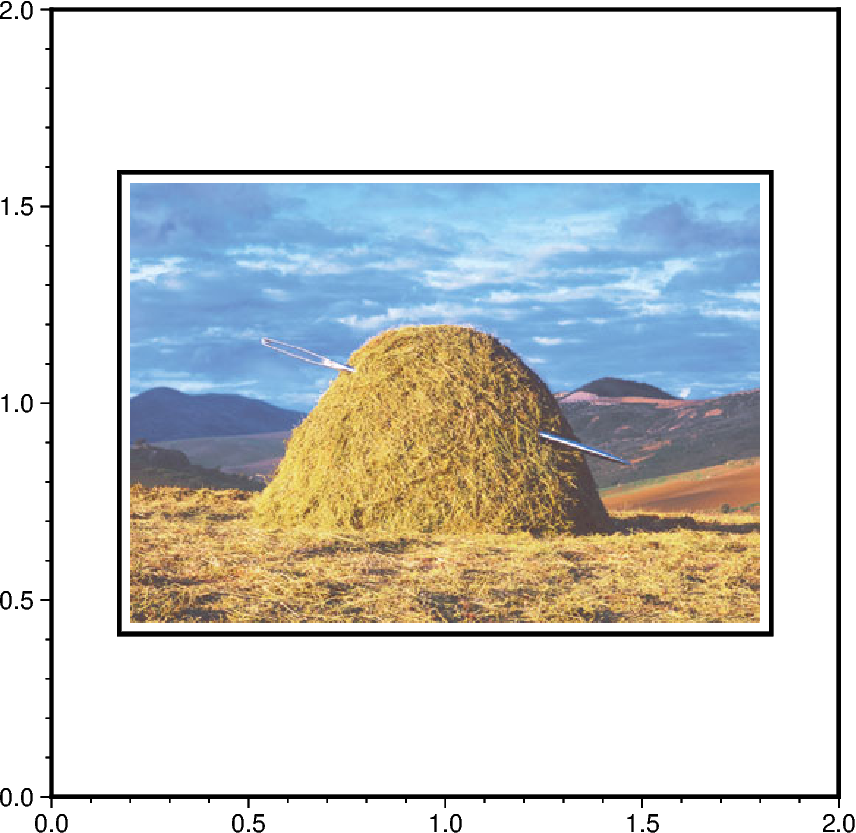
Image on a figure
The pygmt.Figure.image method can be used to read and place an image file in
many formats (e.g., png, jpg, eps, pdf) on a figure. We must specify the filename via
the imagefile parameter or simply use the filename as the first argument. You can
also use a full URL pointing to your desired image. The position parameter allows
us to place the image at a specific location on the plot.
from pathlib import Path

import pygmt
from pygmt.params import Position

fig = pygmt.Figure()
fig.basemap(region=[0, 2, 0, 2], projection="X10c", frame=True)

# Place the center of the image "needle.jpg" provided by GMT to the position (1, 1) on
# the current plot, scale it to a width of 8 centimeters and draw a rectangular border
# around it.
fig.image(
    imagefile="https://oceania.generic-mapping-tools.org/cache/needle.jpg",
    position=Position((1, 1), cstype="mapcoords", anchor="MC"),
    width="8c",
    box=True,
)

fig.show()

# Clean up the downloaded image in the current directory
Path("needle.jpg").unlink()
Total running time of the script: (0 minutes 0.744 seconds)